
Are Your Devices Always Listening? A Quick Guide to Smart Tech and Privacy
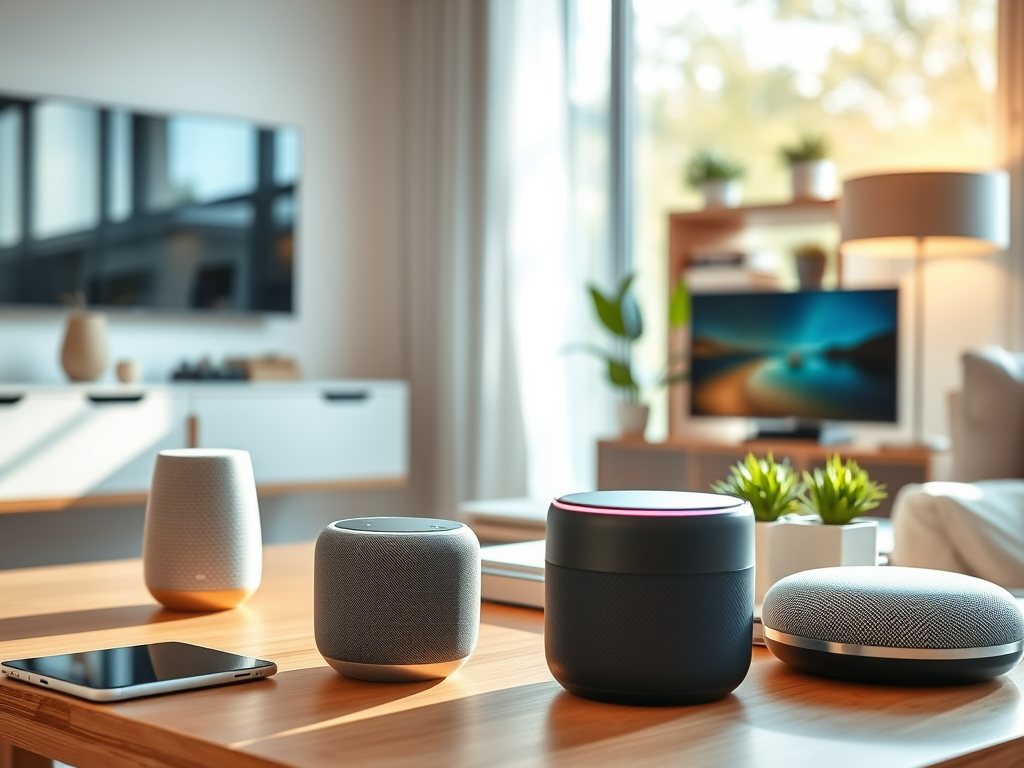
In today’s world, filled with smart devices of all kinds, from books and computers to speakers, TVs, phones, and every other thing you can think of, as well as connected gadgets, a common question arises: Are our devices always listening?
You may have suspected this or maybe even know this fact. The short answer is — yes, in some ways — and it’s important to understand what that means for your privacy as more everyday items join this smart world.
Why Devices Listen
Smartphones and IoT (Internet of Things) devices often include voice assistants like Siri, Alexa, or Google Assistant and even others that you might not know of yet. To function effectively, these assistants need to detect a wake word (like “Hey Siri” or “Alexa”). This means the device is in a low-power listening mode at all times, waiting to be activated. So, that whisper in the bedroom, probably has a third ear passively listening, once your smartphone or any other similar device is at hand.
What’s Being Recorded?

Although devices listen continuously for the wake word, they’re not supposed to record or transmit audio until they’re actively triggered. However, accidental activations do occur, and sometimes recordings are stored in the cloud for quality improvement purposes, which has raised concerns. Sometimes a similar word may ‘wake up’ the assistant. In recent times, the lawsuit: Lopez vs. Apple alleged that Apple’s Siri may have listened to user conversations without permission.
Who Has Access?
Obviously, technology companies and giant Tech Firms do. They sometimes keep these for reviewing some portion of the voice recordings to improve voice recognition accuracy …. So, basically, for research purposes.
In some cases, employees or contractors may hear snippets — this process is usually anonymized but not always perfectly secure. This raises the question of what you can do to protect yourself.
What You Can Do?

Protecting your privacy doesn’t mean going to extremes to ditch your smart devices, but being aware helps. Here are some tips on how to take control:
- Review and delete voice history from your device settings.
- Mute microphones when not in use (especially on smart speakers).
- Limit app permissions for microphone access on your phone.
- Disable voice assistant features if you rarely use them.
Final Thought
You and I can agree that Smart technology can make life easier, but convenience should never come at the cost of unseen surveillance. Being proactive about your device settings keeps you in charge of your privacy.
By Loctovia.


Nice advice
LikeLiked by 1 person